Why You Need an Ergonomic Workspace
In our highly demanding work culture, we organize our desks for aesthetic appeal or basic storage needs. We place monitors where they fit, use standard office chairs, and slide keyboard trays out of the way. However, occupational health science shows that this is incorrect: your workspace layout must be designed to support your body's musculoskeletal structure. To prevent chronic strain, you must configure a functional ergonomic workspace budget layout.
An ergonomic workspace budget configuration focuses on optimizing physical contact points—chair support, monitor height, and input device angles—without buying expensive designer furniture.
When your keyboard rests too high or your screen sits too low, your spine is forced into unnatural positions. Over several hours, these positions trigger muscle tension, leading to backaches, shoulder stiffness, and repetitive strain injuries. Organizing your desk around biological priorities stops this tension, protecting your health and focus. To evaluate your current physical work markers, try our interactive Daily Harmony Calculator.
The Spinal Load of Slouching
Biomechanical research shows that slouching forwards at a desk increases the load on your lumbar spinal discs by up to 180% compared to sitting upright. Supporting your lumbar curve reduces this load, preventing early spinal wear.
The Science of Postural Strain and Musculoskeletal Health
Postural strain is not a minor nuisance; it is a vascular challenge. When you slouch, the muscles in your neck and back must work constantly to support your head.
This constant muscle activation compresses surrounding blood vessels, reducing blood flow. The lack of oxygen causes waste products (like lactic acid) to accumulate, triggering pain signals.
According to clinical studies published by the National Institutes of Health (NIH), chronic musculoskeletal pain is directly linked to elevated cortisol levels and sleep disturbances. To manage morning anxiety, read our guide on managing morning anxiety naturally, and explore somatic resets in our guide on somatic movements for beginners. You can also review stress remodeling pathways in our guide on chronic stress and brain chemistry.
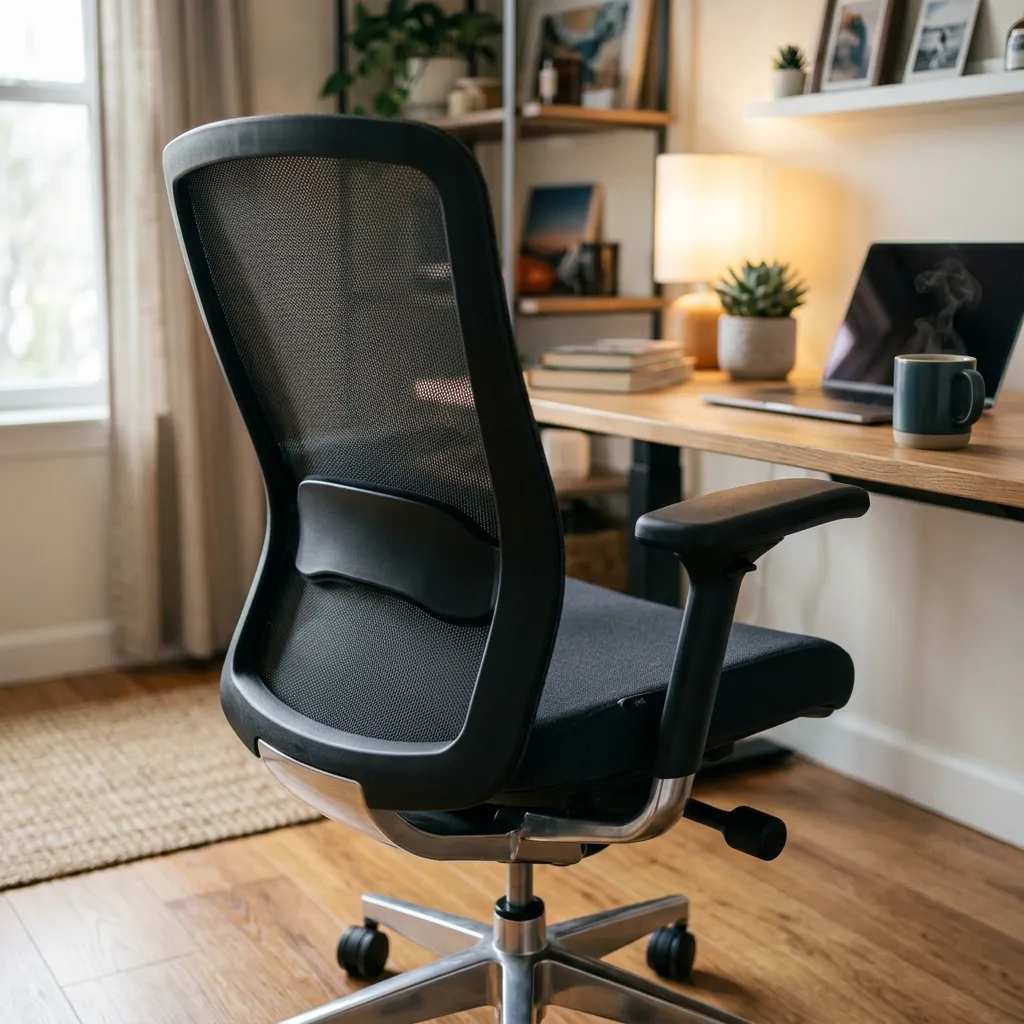
Image 2: Adding a simple lumbar support cushion to a standard chair helps maintain the spine's natural curve.
Priority-Ordered List to Set Up Your Desk Under $150
To optimize your desk for health, execute this priority-ordered checklist using a budget of under $150:
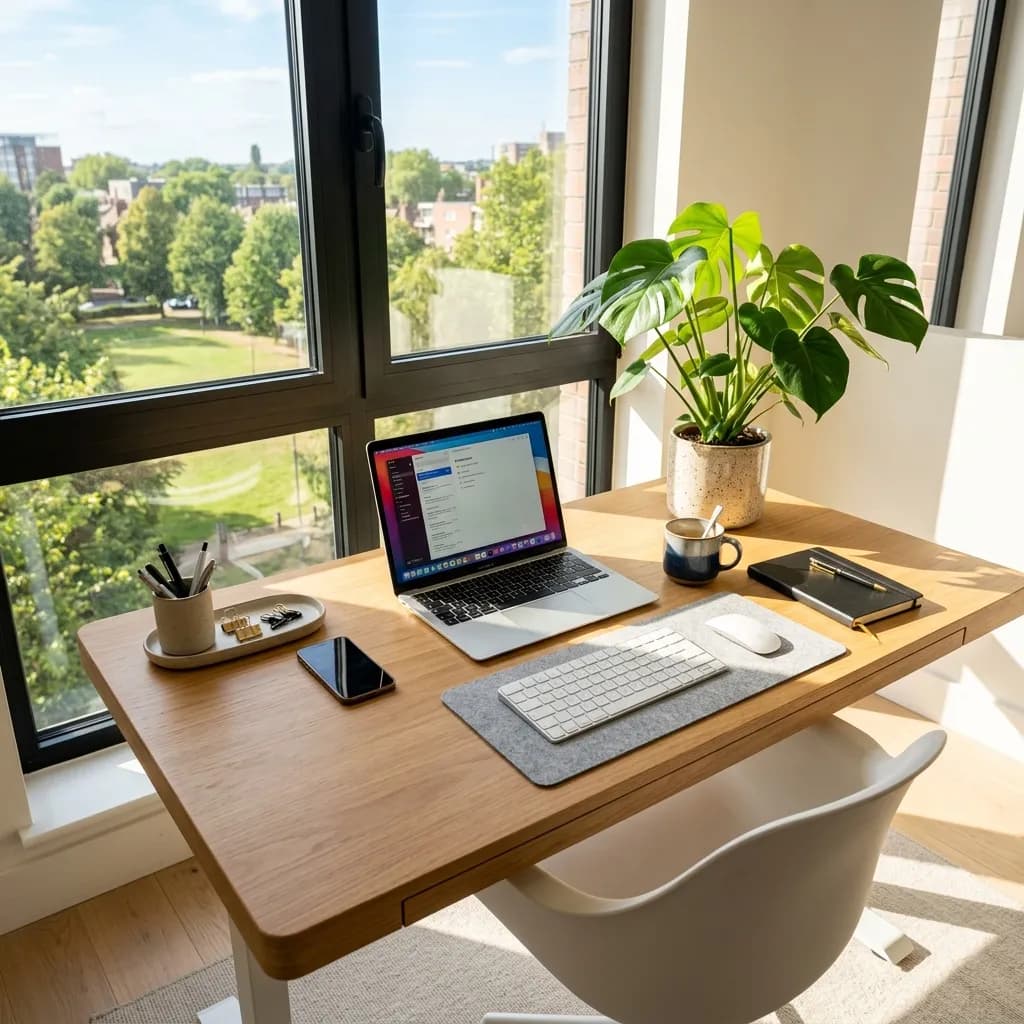
Priority 1: Monitor Height (Budget: $0 - $15)
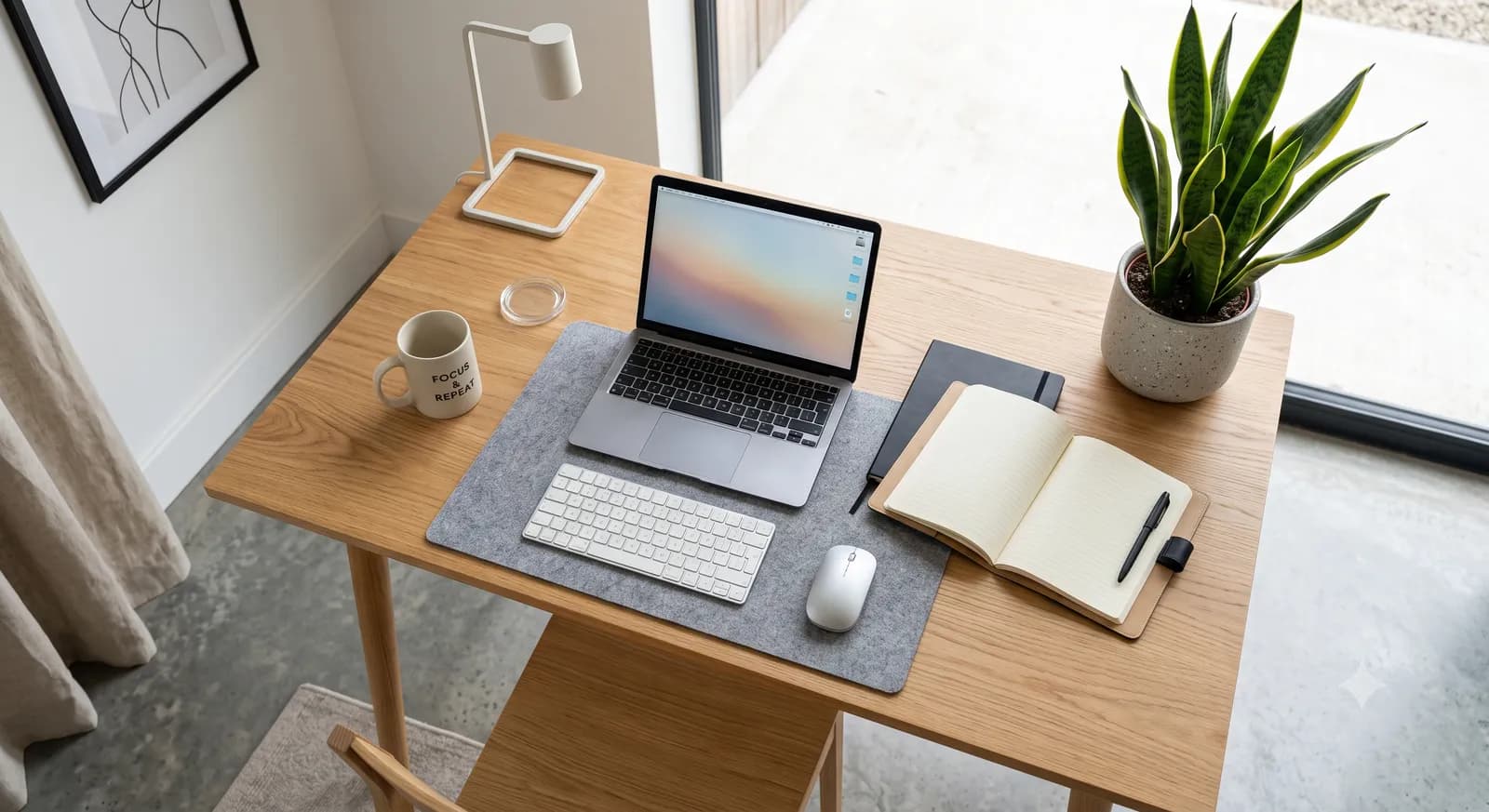
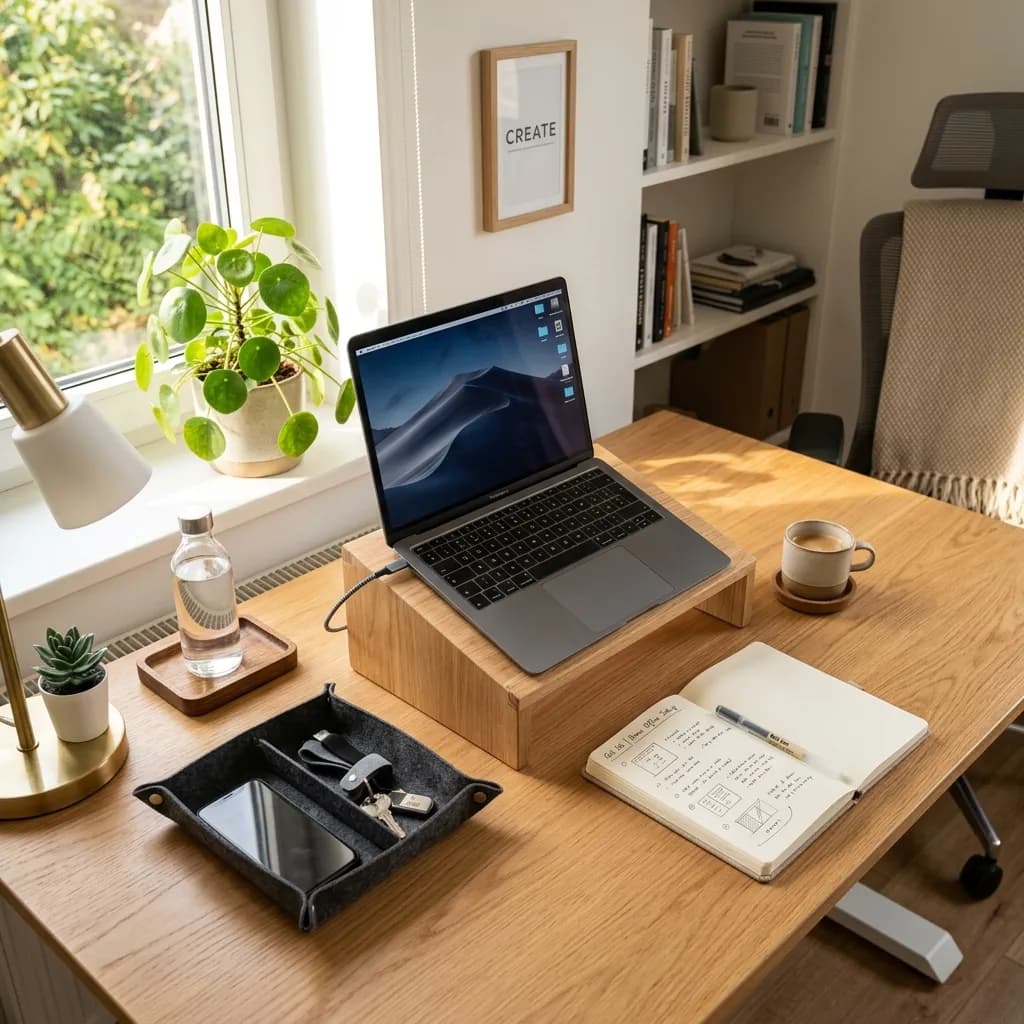
Adjust your monitor height so that the top third of the screen sits at eye level. This placement keeps your neck straight.
You do not need a expensive desk mount; a stack of thick books or a basic wooden riser is highly functional.
Priority 2: Lumbar Support (Budget: $15 - $25)
Add a lumbar support pad to your office chair to maintain your spine's natural inward curve.
A dense memory foam pad or even a rolled-up bath towel secured with bands is highly effective.
Priority 3: External Keyboard and Mouse (Budget: $35 - $60)
If you work on a laptop, purchase an external keyboard and mouse. Place them at a height that allows your elbows to bend at a 90-degree angle.
This setup prevents shoulder strain and wrist compression, keeping you comfortable during long shifts.
Priority 4: Footrest Support (Budget: $10 - $20)
If your feet do not rest flat on the floor when your chair is adjusted, place a footrest under your desk.
A basic plastic wedge or a firm cushion supports your legs, reducing pressure on your thighs.
How to Maintain Ergonomic Habits Throughout Your Workday
Configuring your desk is the first step; you must also practice physical reset habits. Set a timer to stand up and stretch every 60 minutes.
Stack these physical resets with focus transitions. For schedule comparisons, read our guide on timeboxing vs time blocking, and see focus blocks in our guide on deep work rules.
Protect your recovery windows by practicing a clean workday shutdown ritual daily. See our guide on remote work boundaries.
To maintain long-term cognitive health, prioritize circadian light and quality sleep. Review our guides on sleep hygiene and circadian rhythms, and look at our minimalist bedroom design guide. To manage daytime stress, see our guide on micro-meditation routines, and track your consistency using minimalist tools; see our review of minimalist habit tracking apps. Additionally, practice biophilic design; see our guide on office plants for clean air, and explore slow pace audits in our guide on slow living blueprints.
Frequently Asked Questions About Budget Ergonomics
Do I need to purchase a standing desk to be healthy?
No. Research shows that standing all day carries its own cardiovascular risk factors. The key is movement. A standard sitting desk combined with a habit of standing up and walking for 2 minutes every hour is healthier than standing stationary all day.
What is the correct height for my keyboard and mouse?
Your keyboard and mouse should be positioned at a height that allows your forearms to sit parallel to the floor, with your elbows bent at a 90-degree angle. Your wrists should remain straight, not bent up or down.
Can somatic exercises help with workspace stiffness?
Yes. Physical resets like shoulder rolls, gentle neck stretches, and diaphragmatic breathing help restore blood flow to tense muscles. For somatic resets, see our guide on vagal tone stimulation.
Cited Scientific Sources & Literature
- Nachemson, A. L. (1981). The lumbar spine: An orthopaedic challenge. Spine, 6(1), 59-71.
- Punnett, L., & Wegman, D. H. (2004). Work-related musculoskeletal disorders: The epidemiologic evidence. Journal of Electromyography and Kinesiology, 14(1), 13-23. [PubMed PMC]
- Sapolsky, R. M. (2004). Why Zebras Don't Get Ulcers. Holt Paperbacks.